5 Easy Steps to Set Up Your Studio Mic | Vocal Recording Tips – Singgeek
Video
https://www.youtube.com/watch?v=EhdujScokVw
Summary
Summary
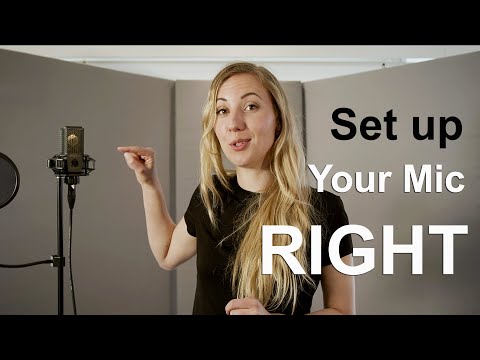
In this video, Rania Peterson demonstrates how to set up a studio microphone for optimal recording quality. The setup includes attaching the mic to a tripod stand, using a shock-absorbing mount, and placing a pop filter about 2-3 inches away from the microphone. She also suggests making your own pop filter with a coat hanger and pantyhose if needed.
The provided microphone is a condenser mic, but her tips can be applied to most types of microphones. Rania discusses how to adjust the height and angle of the microphone, plug in the XLR cable, record vocals using software or programs, and create an isolated sound environment by using foam boards, vases, or blankets.
Highlights
- 🎤 Rania demonstrates studio microphone setup.
- 🔊 Tips for optimal recording quality with any type of mic.
- 📹 Use YouTube tutorials to make your own pop filter if needed.
Key Takeaways
- 💡 Adjust the height and angle of the microphone.
- 🌐 Plug in the XLR cable to connect to a computer.
- 🎵 Record vocals using software or programs.
- 🔇 Minimize outside noise by creating an isolated sound environment.
Schreibe einen Kommentar