Hardware Synths & Ableton – Ultimate Guide for Connecting, Controlling and Automating External Gear – Mixed Signals
Video
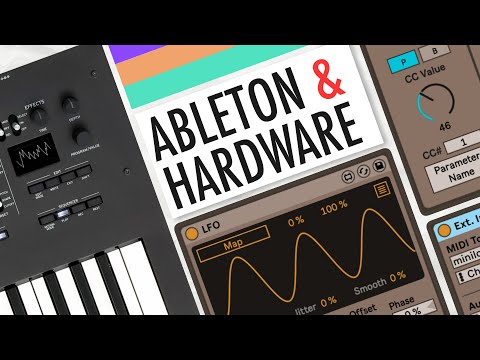
https://www.youtube.com/watch?v=neCkusmRvI8
Summary
### Summary
– Learn how to connect a synthesizer to your computer and integrate it into Ableton.
– Cover workflow tips such as recalling presets, recording automation, adding LFOs, envelopes, and modulators.
Highlights
- Connect the audio out of your synthesizer to an input or two inputs (if it is stereo) on your audio interface.
- Ensure your synthesizer has MIDI over USB; connect it to the computer with a USB cable.
- Go to Preferences > MIDI and enable MIDI IN and OUT in the „MIDI Port“ section.
- Create a new MIDI track in Ableton Live and add an External Instrument device.
Key Takeaways
- Understand how to connect, set up and control synthesizer using Ableton Live.
Schreibe einen Kommentar