How to get Audio from a Mixer to Android or iPhone Phone for better Video Camera sound – Fans of Jimmy Century
Video
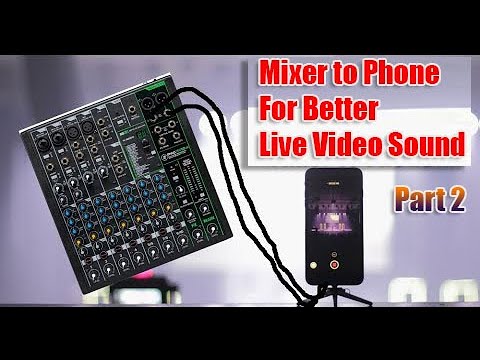
https://www.youtube.com/watch?v=9K7aXhEgHmY
Summary
### Summary
– Discusses the connection of a TRS cable to a mixing board and using it with a phone.
– Covers audio troubleshooting and the use of foot pedal control with mixer effects.
– Explains using an iPhone 6 plus with a microphone via a TRRS adapter.
– Shares experiences with recording audio using third-party apps on iPhone.
Highlights
- Connect TRS cable to mixing board input (quarter-inch or RCA).
- Use quarter-inch output from mixing board (convert from XLR if needed).
- Set mic preamp gains properly and avoid using speakers for monitoring.
- Connect iPhone to microphone using a TRRS adapter and adjust volume level accordingly.
Key Takeaways
- Prevent audio loops and room noise by avoiding speaker feedback through the microphone.
- Use an adapter if your phone lacks a headphone jack, and convert TRRS (Phone) cable to TRS (Mixer).
- Choose „External Microphone“ as audio source for recording on your phone.
- Adjust camera settings for better sound visualization and desired appearance in the video.
Schreibe einen Kommentar